Overview
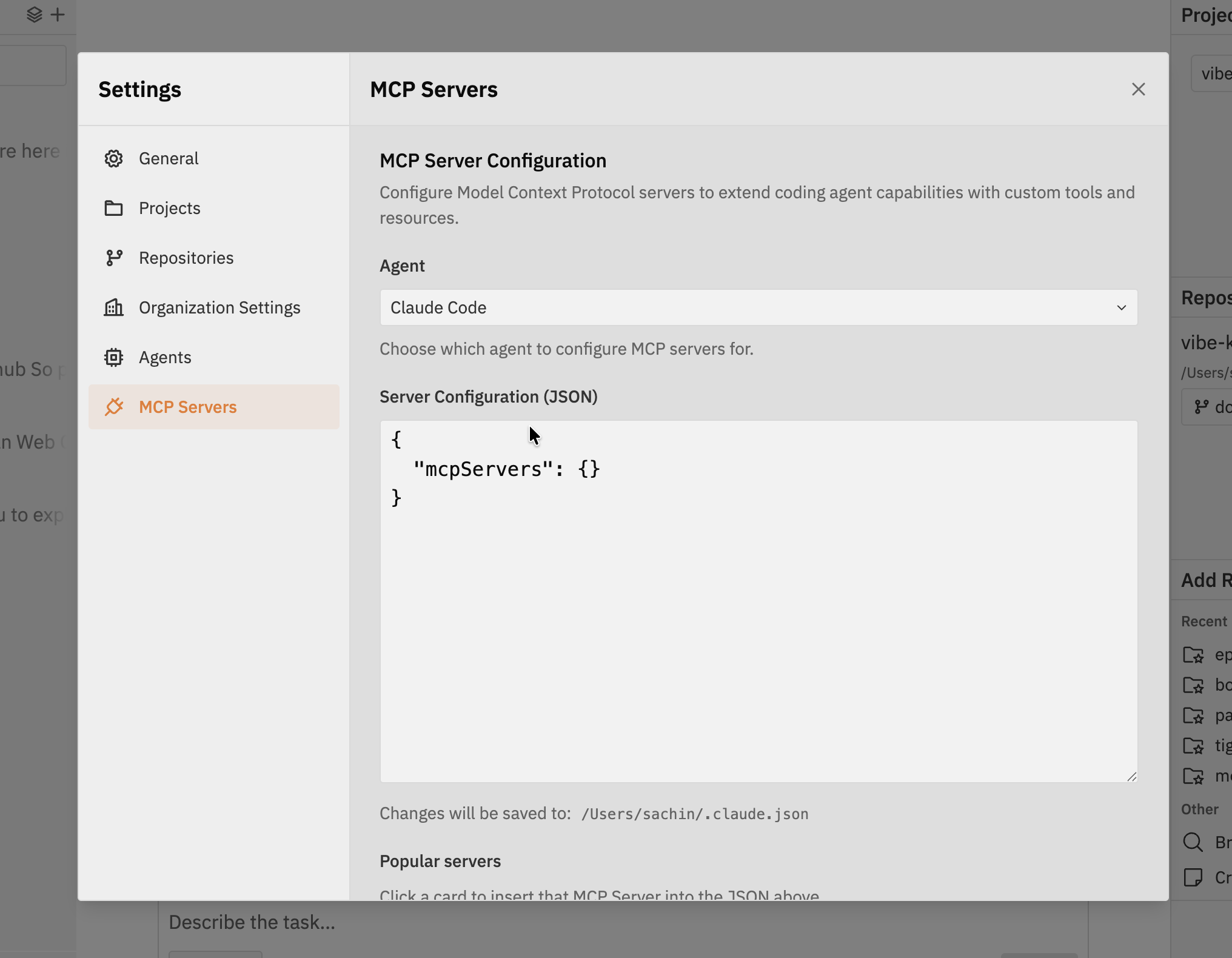
MCP servers provide additional functionality to Codex through standardized protocols. You can configure MCP servers for Codex in Jaidu, giving threads access to specialized tools like browser automation, remote logs, error tracking, or documentation lookups.Accessing MCP Server Configuration
- Navigate to Settings in the Jaidu interface
- Click on MCP Servers in the settings sidebar
- Open the Codex MCP settings you want to edit
Popular MCP Servers
Jaidu provides one-click installation for popular MCP servers. Click a card to insert a pre-configured MCP server into the JSON configuration.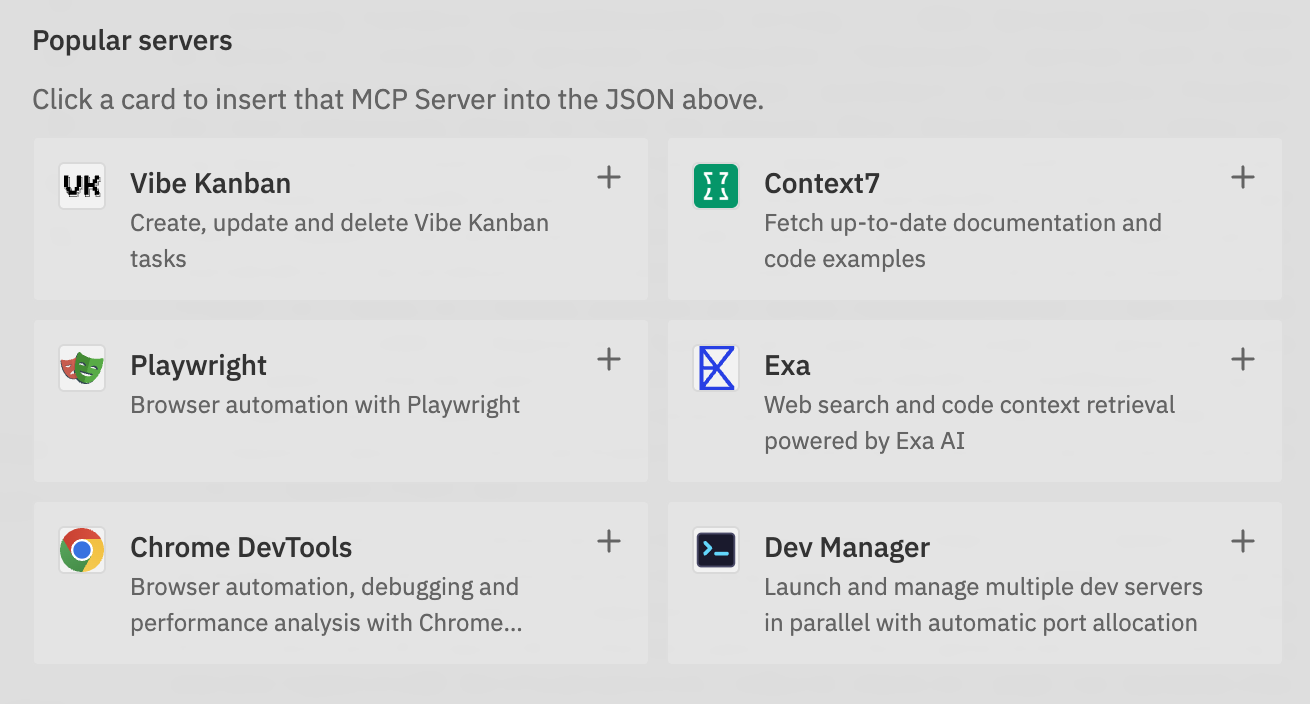
Adding Custom MCP Servers
You can also add your own MCP servers by configuring them manually:Update Server Configuration JSON
In the Server Configuration (JSON) editor, add your custom MCP server
configuration. The JSON will show the current MCP settings, and you can modify
it to include additional servers.Example addition:
Save and Test
After updating the JSON configuration:
- Click Save to apply changes
- Start or continue a Codex thread that uses MCP functionality
- Check Codex logs for any connection issues
These changes persist in Codex MCP settings and remain available across
threads. Runtime presets control which saved MCP servers are exposed to a
specific workspace turn.
Best Practices
Next Steps
- Use Workspace Runtime Presets to choose MCP resources for workspaces
- Check out Supported Coding Agents for the current support boundary