Accessing Settings
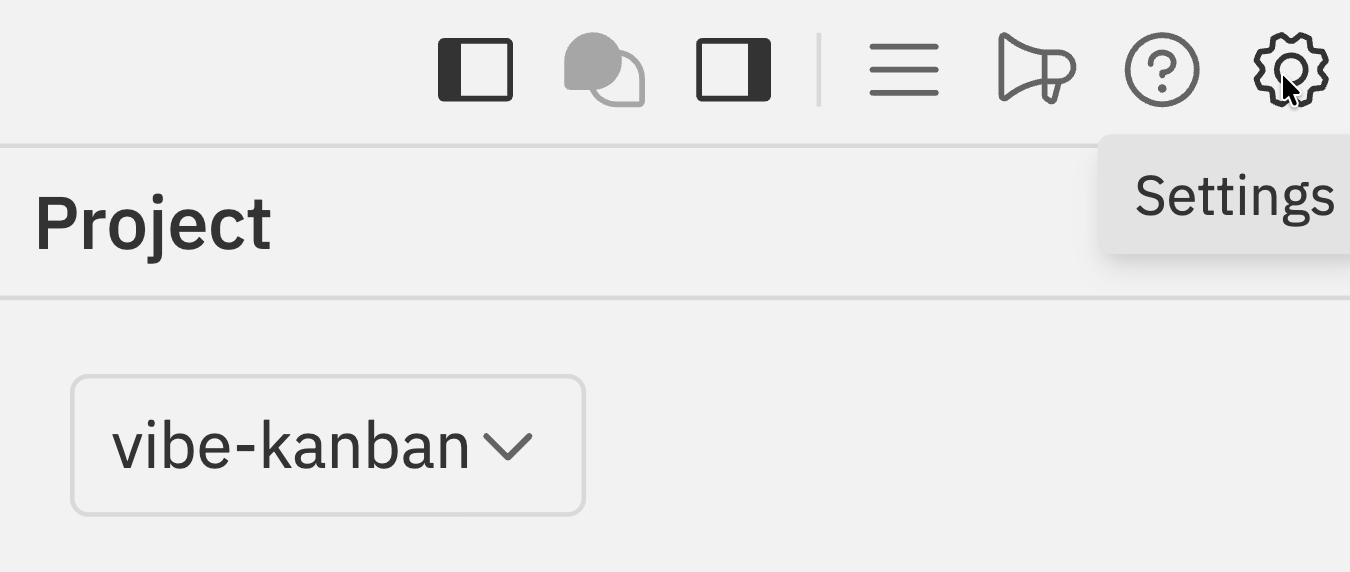
- Click the Settings icon () in the Workspaces navbar
- Press
Cmd/Ctrl + Kand select Settings
Settings Tabs
The settings dialog is organized into the following tabs:| Tab | Description |
|---|---|
| General | Appearance, default Codex profile, Git branch naming, workspace storage, notifications, message input, and tags |
| Repositories | Repository defaults, linked projects, scripts, and files copied into worktrees |
| Runtime presets | Organisation presets for workspace skills and MCP resources |
| Scenarios | Install, configure, and author reusable linear workspace workflows |
| MCP Servers | Codex MCP server configuration |
| Account | Profile, local account invites, Telegram accounts, and personal notification preferences |
| Organization Settings | Organization members, roles, and settings |
| Projects | Control-plane projects. The page title is Remote Projects when opened. |
| Remote Access | Registered jaidu-agent hosts and pending machine registrations |
General
Configure appearance, your default Codex profile, Git preferences, notifications, and tags.General Settings
Complete guide to general settings including appearance, Codex defaults, and more
Repositories
Configure repository defaults, linked projects, and scripts including dev server, setup, cleanup, archive, and copied files.Repositories
Configure repository defaults and scripts
Account
Manage your profile, local account invite links, linked Telegram accounts, and personal Telegram notification preferences.Organization Settings
Manage your control-plane organizations, members, and organization-level settings.Organization Settings
Manage members, roles, and organization settings
Projects
Open Projects in the Settings sidebar to view the Remote Projects page. Use it to manage control-plane projects across organizations, configure Main Chat bindings, choose default repositories, and edit project notification settings.Remote Projects
Manage control-plane projects across all your organizations
Remote Access
Remote Access is where admins review pendingjaidu-agent host registrations
and manage registered hosts. A registered host is the machine that owns
filesystem, Git, terminal, Codex, preview, and workspace execution for requests
routed through relay.
Use Remote Access to:
- approve pending machine registrations;
- confirm which registered hosts are online;
- rename registered hosts for easier selection;
- open a registered host’s Workspaces view.
Runtime Presets
Workspace Runtime Presets
Manage workspace skills and MCP resource presets
Scenarios
Use Scenarios to install reusable workspace workflows, configure their runtime mappings and default inputs, expose runnable scenarios in the chat toolbar, and author private linear flows on the Templates & Builder board.Scenarios
Install, configure, and author reusable linear scenario workflows with a board builder
MCP Servers
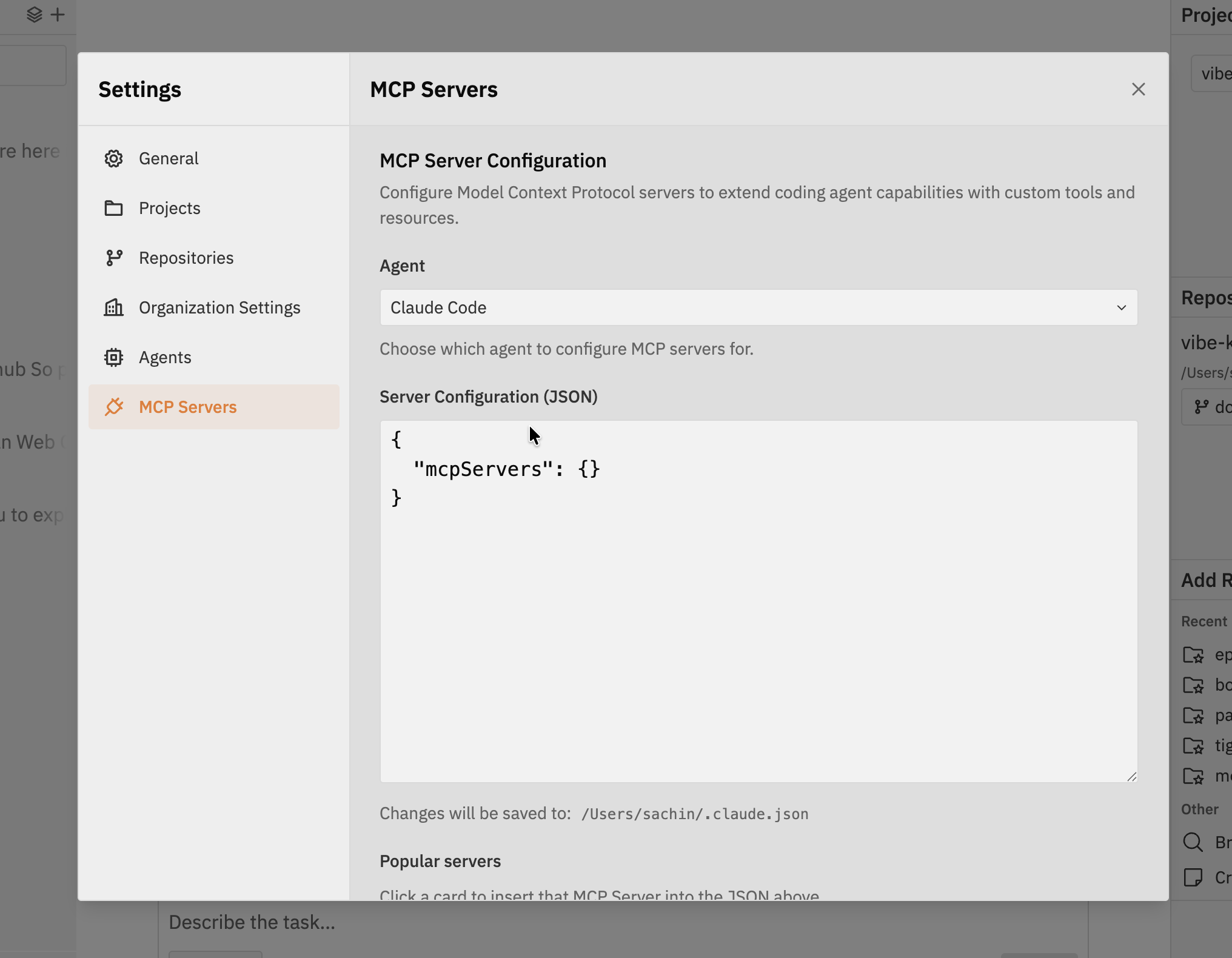
- Codex MCP settings - Edit the MCP server configuration directly in JSON format
- Popular servers - Click a card to insert a pre-configured MCP server into the JSON
Connecting MCP Servers
Configure MCP servers within Jaidu for Codex
Related Documentation
- Workspaces - The Workspaces UI where settings are accessed