Jaidu uses OpenAI Codex for host-side code execution. The Agents page is
therefore focused on configuring Codex variants.
Configurations are used throughout Jaidu: onboarding, default settings, workspace creation, and follow-up threads.
Common Use Cases
| Use Case | Example Configuration |
|---|---|
| Fast iteration | Lower reasoning effort and permissive approvals |
| Complex tasks | Higher reasoning effort and planning-oriented prompt |
| Safer execution | Restricted sandbox and stricter approvals |
| Code review | Prompt additions for review criteria |
Key Concepts
Sandbox Modes
Sandbox Modes
Controls what Codex can access:
- read-only - Can inspect files but cannot modify them
- workspace-write - Can modify files in the project directory
- danger-full-access - Unrestricted filesystem access
Approval Levels
Approval Levels
Controls when Codex pauses for your confirmation:
- untrusted - Ask before every action
- on-failure - Ask when an action fails
- on-request - Ask only when explicitly requested
- never - Do not pause for confirmations
Reasoning Effort
Reasoning Effort
Controls how much work the model does before responding. Higher effort is slower but more thorough. Lower effort is faster but more lightweight.
Prompt Extensions
Prompt Extensions
Use
append_prompt to add your own reusable instructions to a Codex variant, such as repository conventions, review checklists, or project-specific constraints.Configuration Access
Access Codex configurations via Settings → Agents in the Workspaces UI.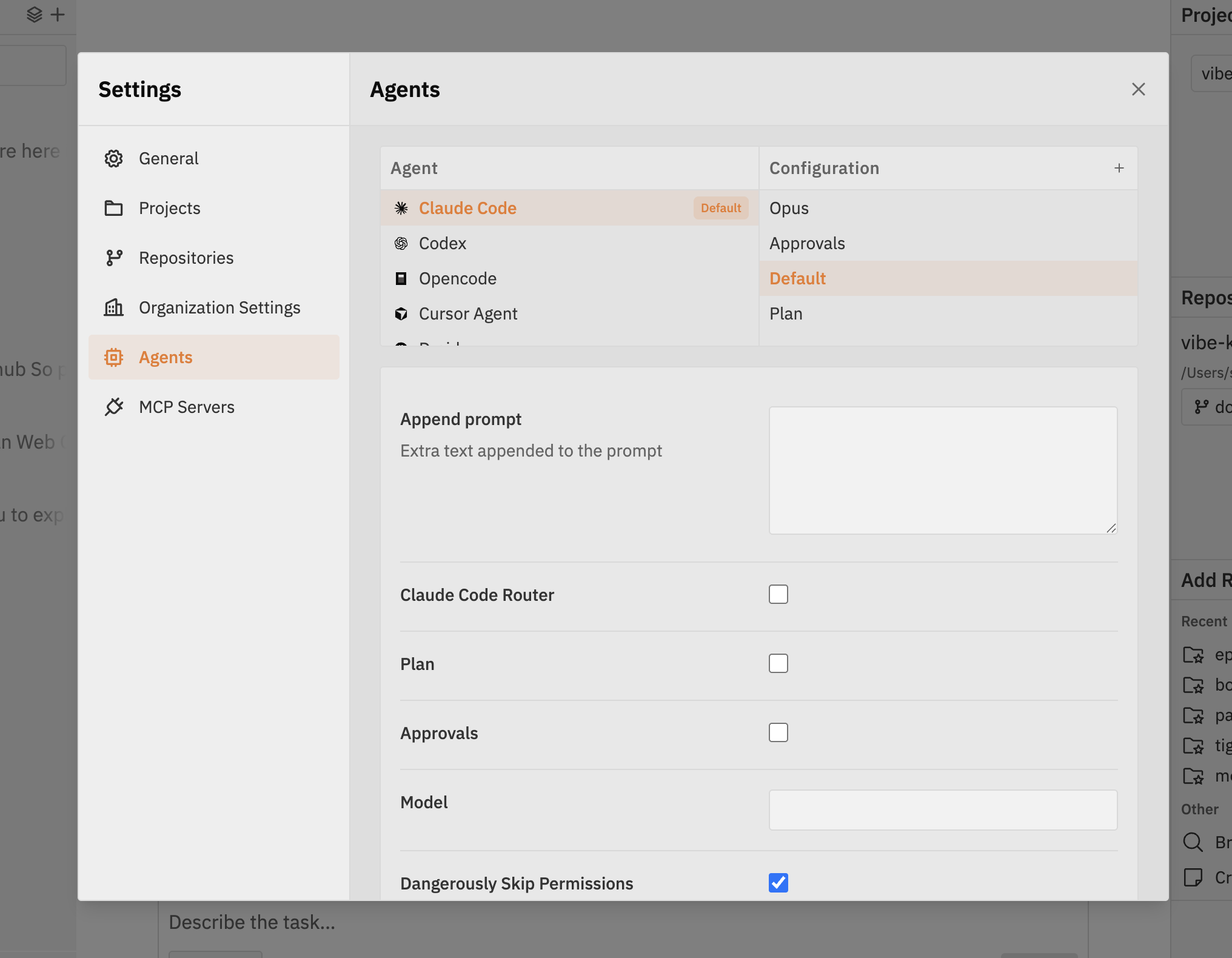
- Left column - Codex
- Right column - Configuration variants for Codex
Managing Configurations
Creating a New Configuration
- Click the + button in the Configurations column
- Enter a Configuration Name such as
DEFAULT,SAFE, orHIGH_REASONING - Optionally clone an existing configuration
- Click Create Configuration
Editing a Configuration
- Select Codex from the left column
- Select a configuration from the right column
- Edit the fields in the form
- Click Save in the bottom bar
Deleting a Configuration
- Select the configuration to delete
- Click the delete button
- Confirm deletion
Setting a Default Configuration
Click the Default badge next to a configuration to make it the default for Codex. The default configuration:- Appears pre-selected when creating new workspaces or attempts
- Is reused for follow-up messages unless you choose another configuration
- Becomes the default Codex configuration in the chat toolbar
Codex Configuration Options
Execution environment:
"read-only", "workspace-write", or "danger-full-access"Approval level:
"untrusted", "on-failure", "on-request", or "never"Reasoning depth:
"low", "medium", or "high"Summary style:
"auto", "concise", "detailed", or "none"Extra instructions appended to the Codex system prompt
Override the Codex CLI command path when an administrator needs to point Jaidu
at a different Codex command installed on the host.
Additional CLI arguments to pass to Codex
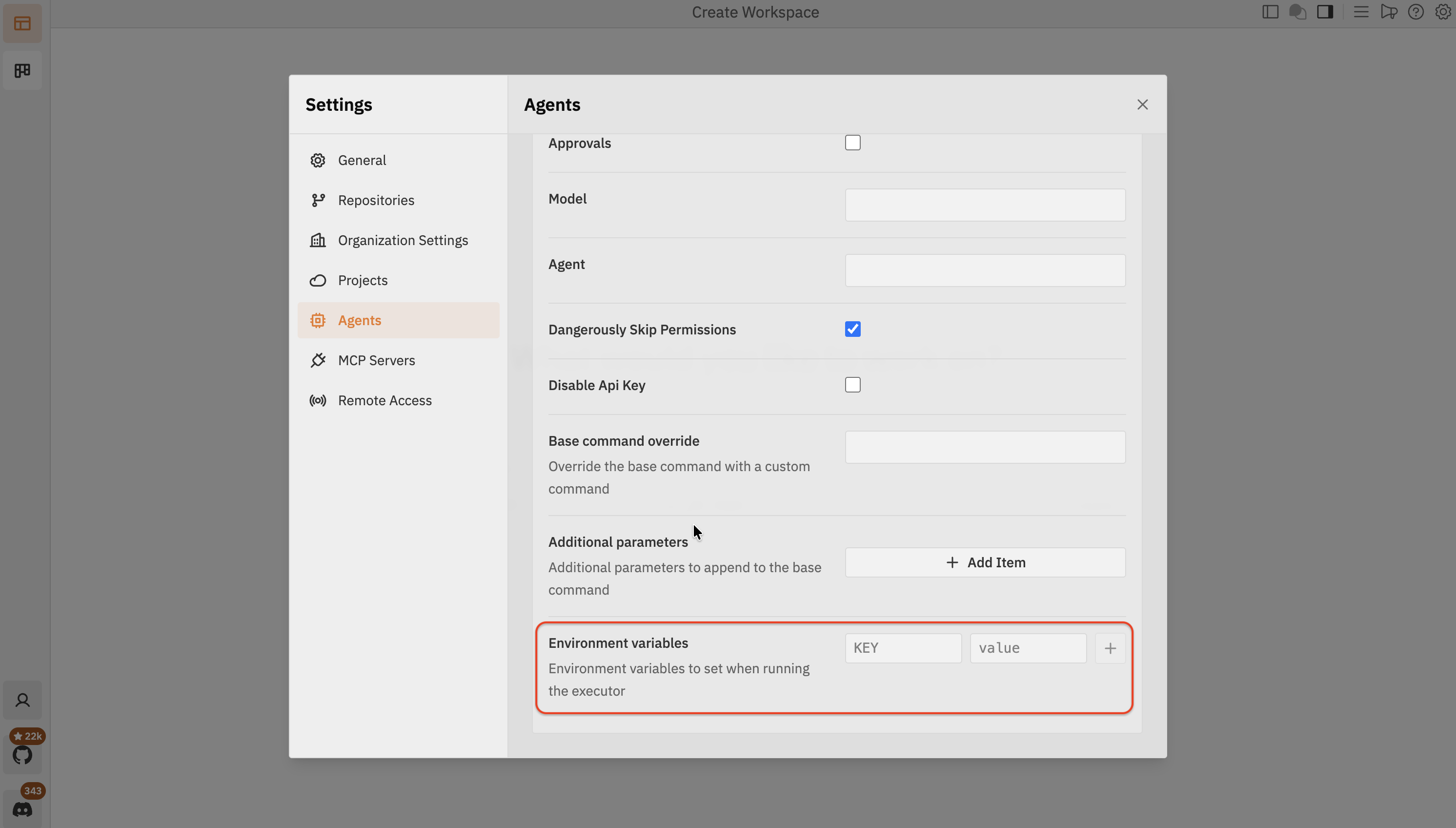
Environment Variables
Each Codex configuration can define environment variables that are injected into the Codex process at launch. This is useful for setting API keys, toggling provider-specific behaviour, or pointing Codex at a custom environment.